Collages for Instagram. Full quality, nothing uploaded.
Pick a grid, drop in your photos or videos and export posts, stories, video Reels and seamless carousels at full resolution. It's free, there's no sign-up, and nothing you add ever leaves your device.
- No sign-up
- No watermark
- Phone and desktop
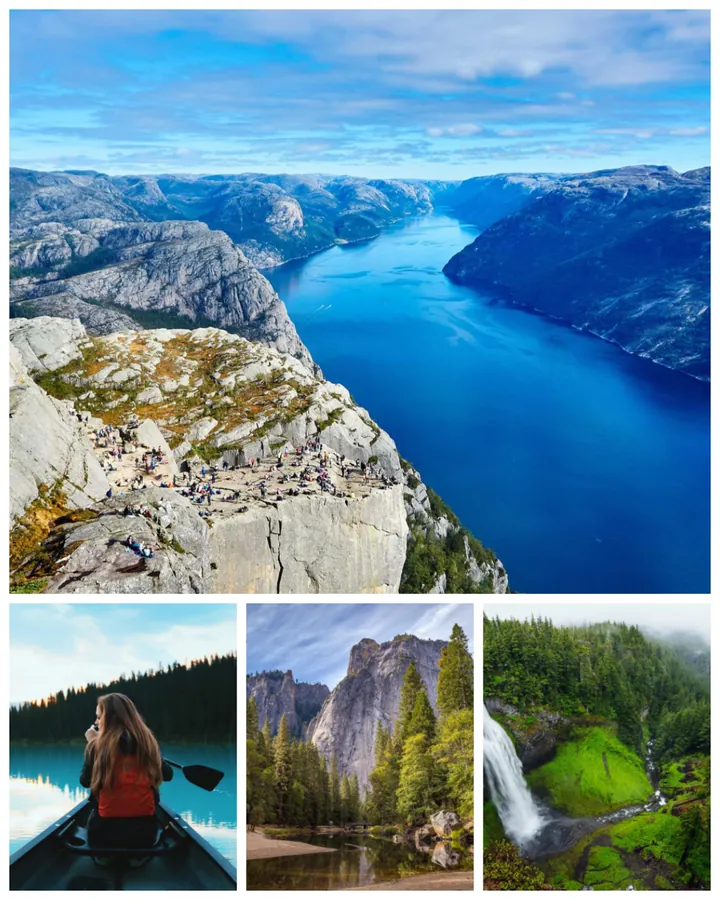
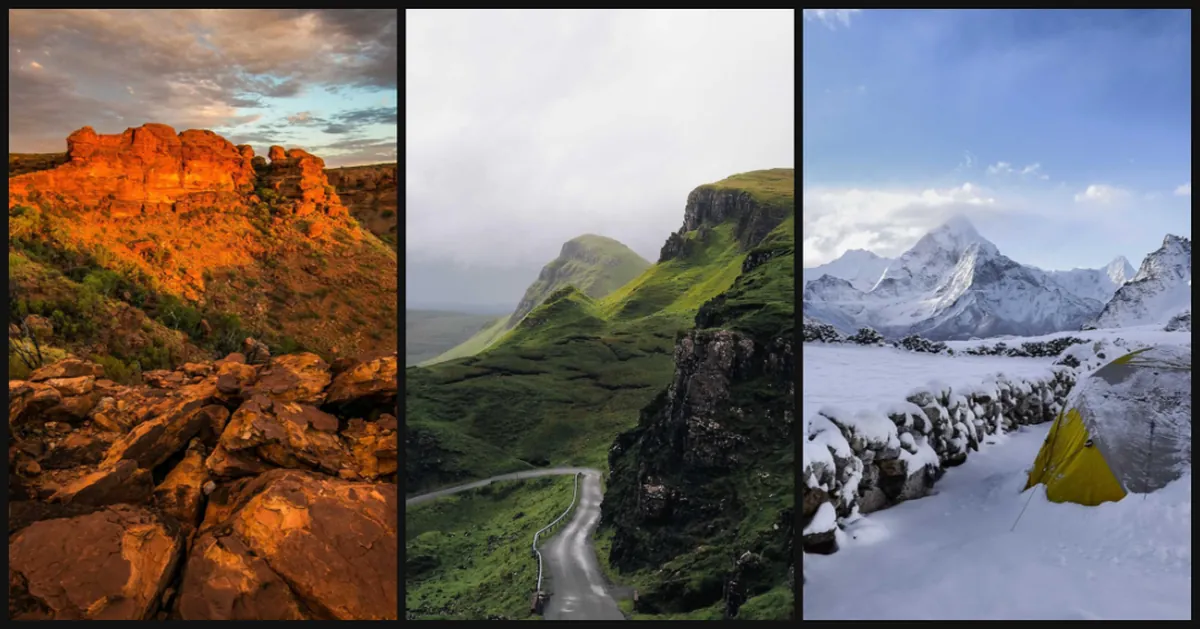

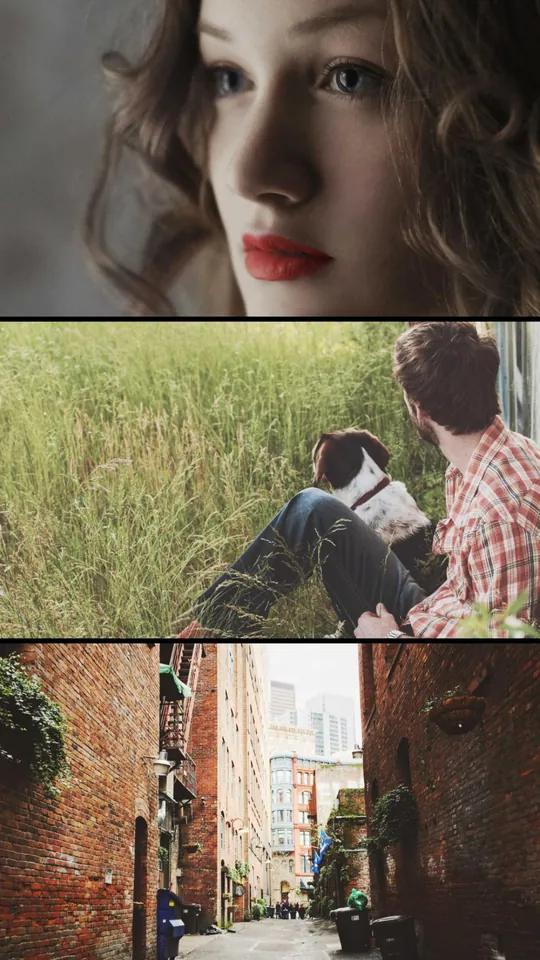
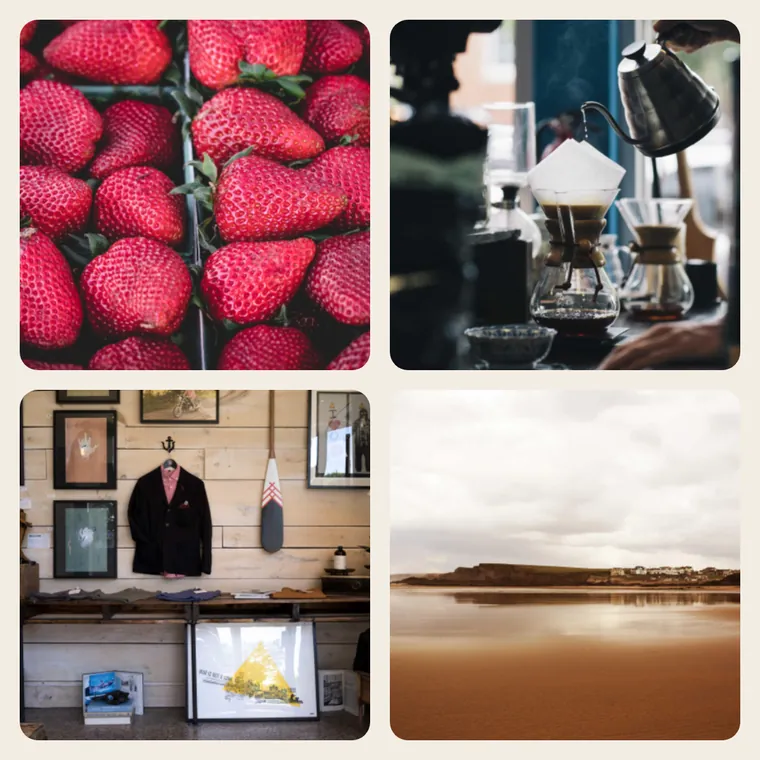
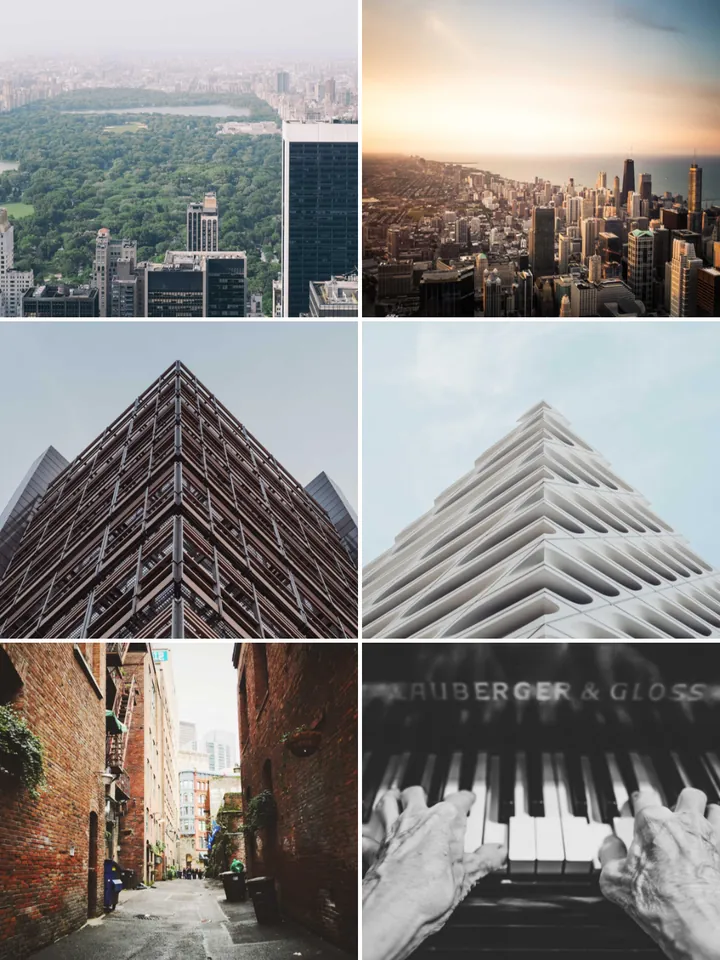
A real editor. Right in your browser.
Drag to reposition, pinch or scroll to zoom, hold to swap photos, and undo anything. What you see is exactly what you export.
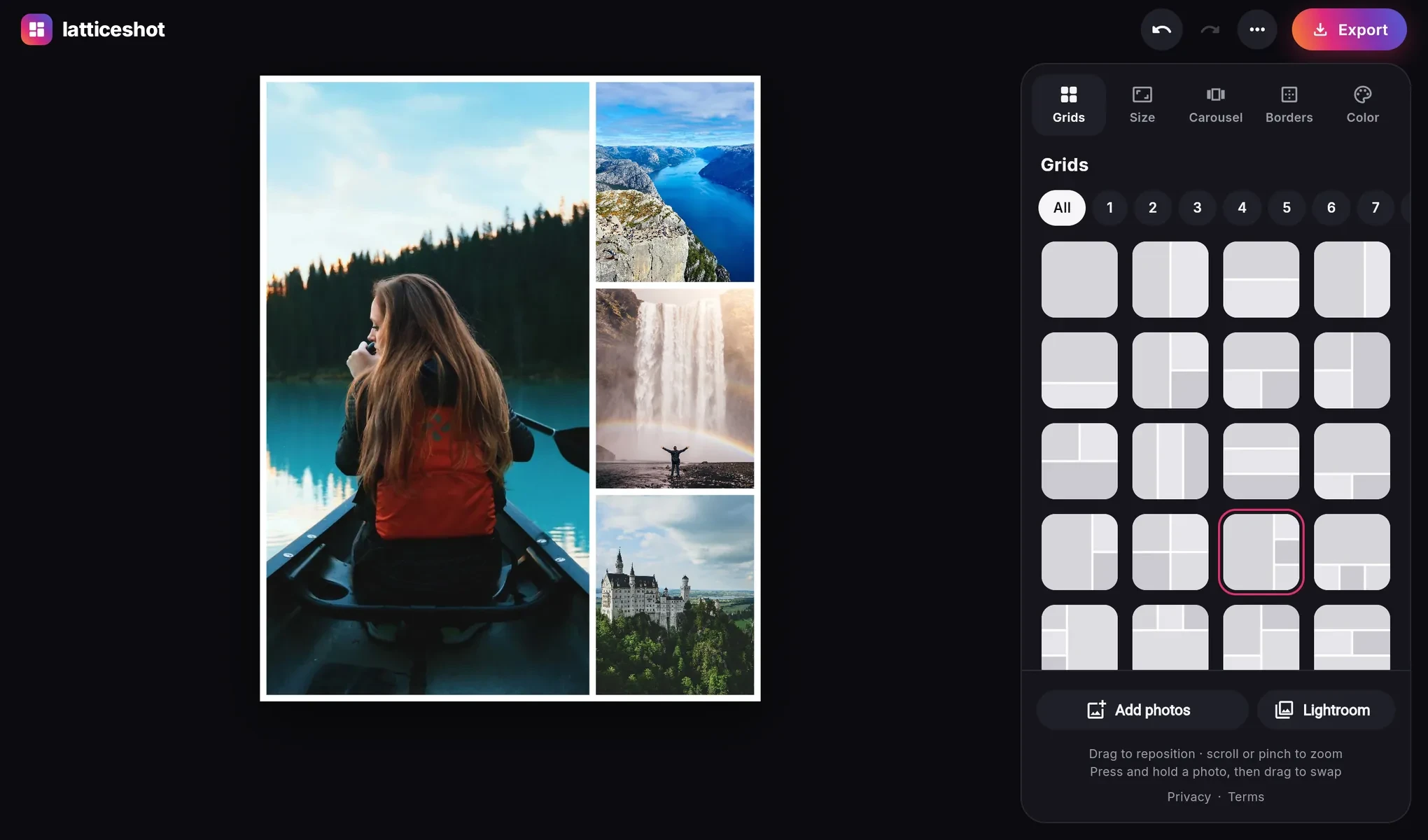
Three steps. About a minute.
Pick a grid
46 layouts for 1 to 16 photos, from simple splits to hero-and-thumbnail designs.
Add photos or videos
Tap a cell, drag files in from your computer, or import photos from Lightroom. Then frame each one just right.
Export and post
Download a full-resolution image or an MP4 video, or share straight to Instagram from your phone.
Video collages for Reels. Your clips, side by side.
Put videos in any grid, next to photos if you like. They play together and export as one MP4, ready for Reels and Stories.
- Mix photos and videos. Every layout, border and color works with clips too, and photos stay still while the videos play.
- Trim to the best part. The video runs as long as your shortest clip, or just the part you choose.
- Pick the sound. Use the audio from any one clip, or export it silent and add music in Instagram.
- Ready to post. A 1080 × 1920 MP4 for Reels and Stories, saved to Photos or shared straight to Instagram.
- Still nothing uploaded. Videos are combined on your device, so even private clips stay private.
Video collages work on a computer, in Chrome, Edge or Safari. On phones and tablets, Latticeshot makes photo collages.
Seamless carousels. One wide photo, perfectly split.
Post a panorama as a carousel that flows as people swipe, with no borders and no gaps between slides.
Your panorama
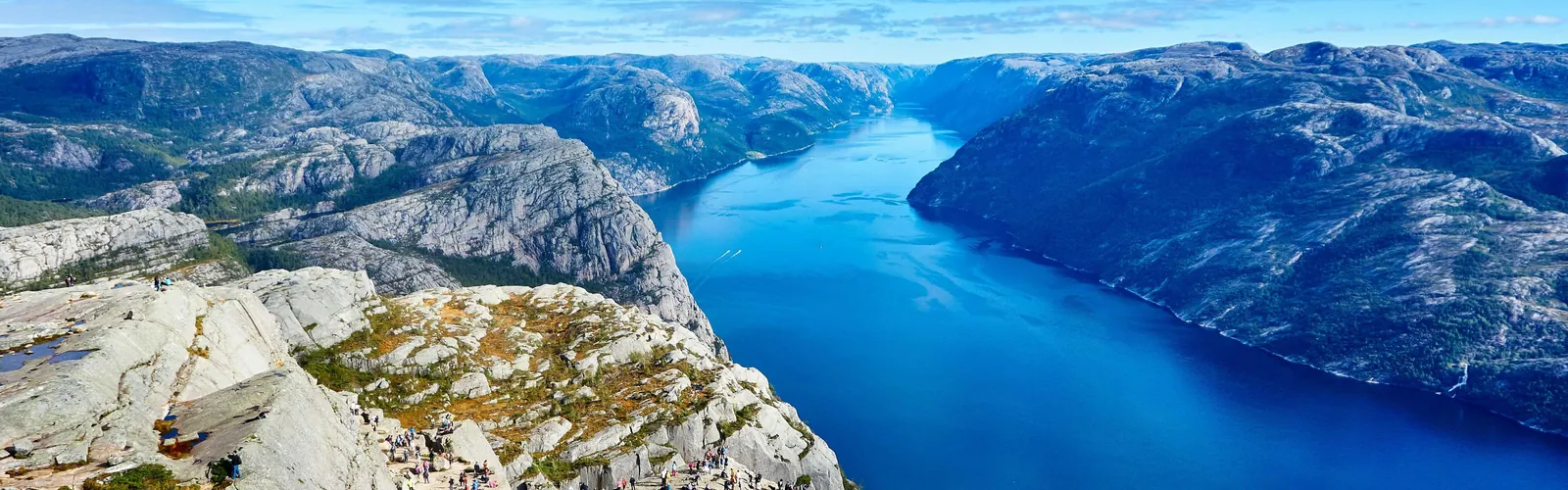
Four Instagram slides, 1080 × 1350 each
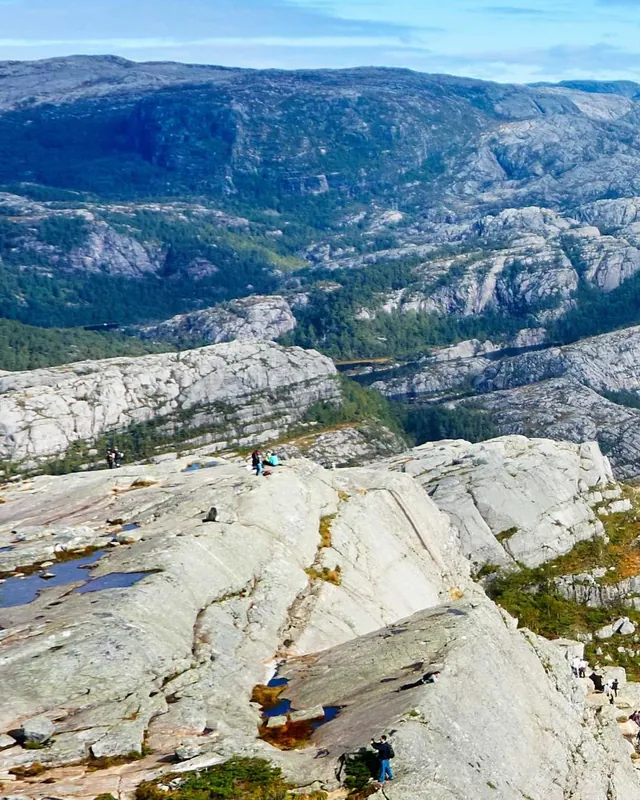
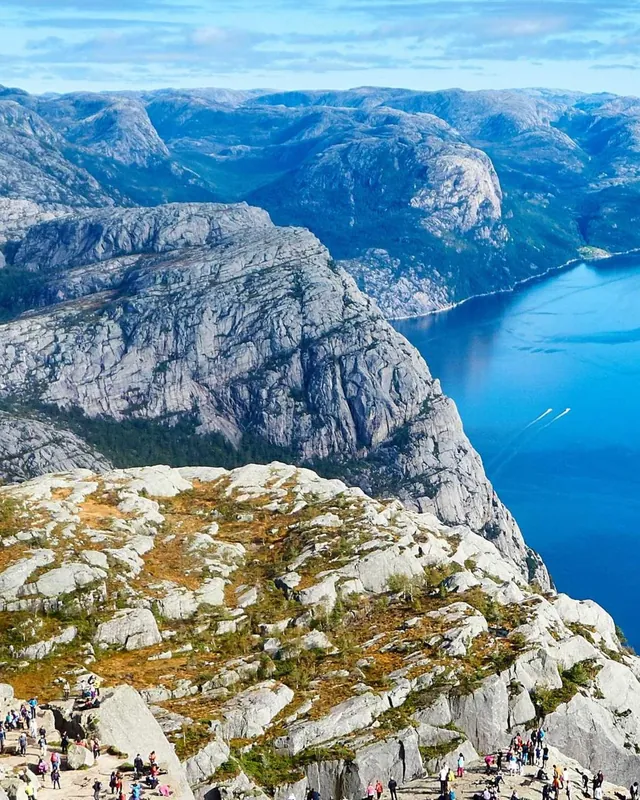
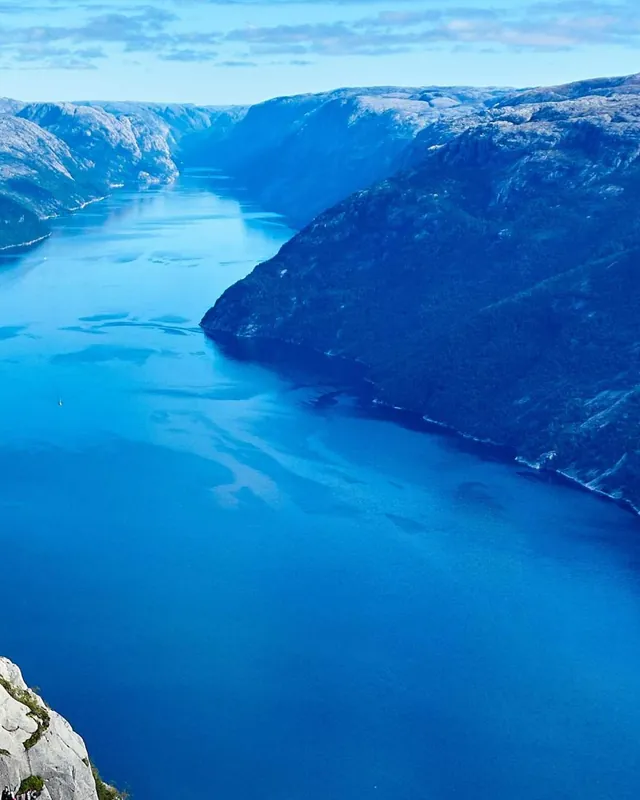

your.account One photo, four slides. Keep swiping, the view keeps going →
View all 86 comments 2 hours ago- Fits your photo automatically. Latticeshot suggests how many slides your panorama needs, from 2 to 10.
- Pixel-exact seams. Every slide comes from one render, so edges line up perfectly.
- Ready to post, in order. Slides are numbered and sized for Instagram.
- Or post a photo series. Add up to 20 photos at once, one per slide. Style one and they all match, or tweak each slide on its own.
Every Instagram size. Pick one and you're done.
Every size works for photos and videos. Story and Reel sizes show safe-zone guides, so nothing ends up under Instagram's buttons or captions.
Post
4:5 · 1080 × 1350
Grid preview
3:4 · 1080 × 1440
Square
1:1 · 1080 × 1080
Story
9:16 · 1080 × 1920
Reel
9:16 · 1080 × 1920
Landscape
1.91:1 · 1080 × 566
Made for the feed. Built to respect your photos.
Full resolution
Every export is rendered from your originals: maximum-quality JPEG or lossless PNG up to 3240 px wide, or a crisp 1080p MP4 for videos.
Private by design
Photos and videos are processed on your device and never uploaded. No account needed, and analytics only if you allow it.
46 layouts
Grids for 1 to 16 photos or videos. Switch layouts anytime and everything follows.
Borders, colors and your signature
Go edge to edge or add spacing, rounded corners and any background color. Sign your work with your name in one of six fonts, wherever you like.
Phone and desktop
Touch gestures on your phone, plus drag-and-drop and keyboard shortcuts on your computer. Opens HEIC in Safari.
Share to Instagram
On your phone, send the finished collage, your video Reel or every carousel slide, in order, straight to Instagram or Photos.
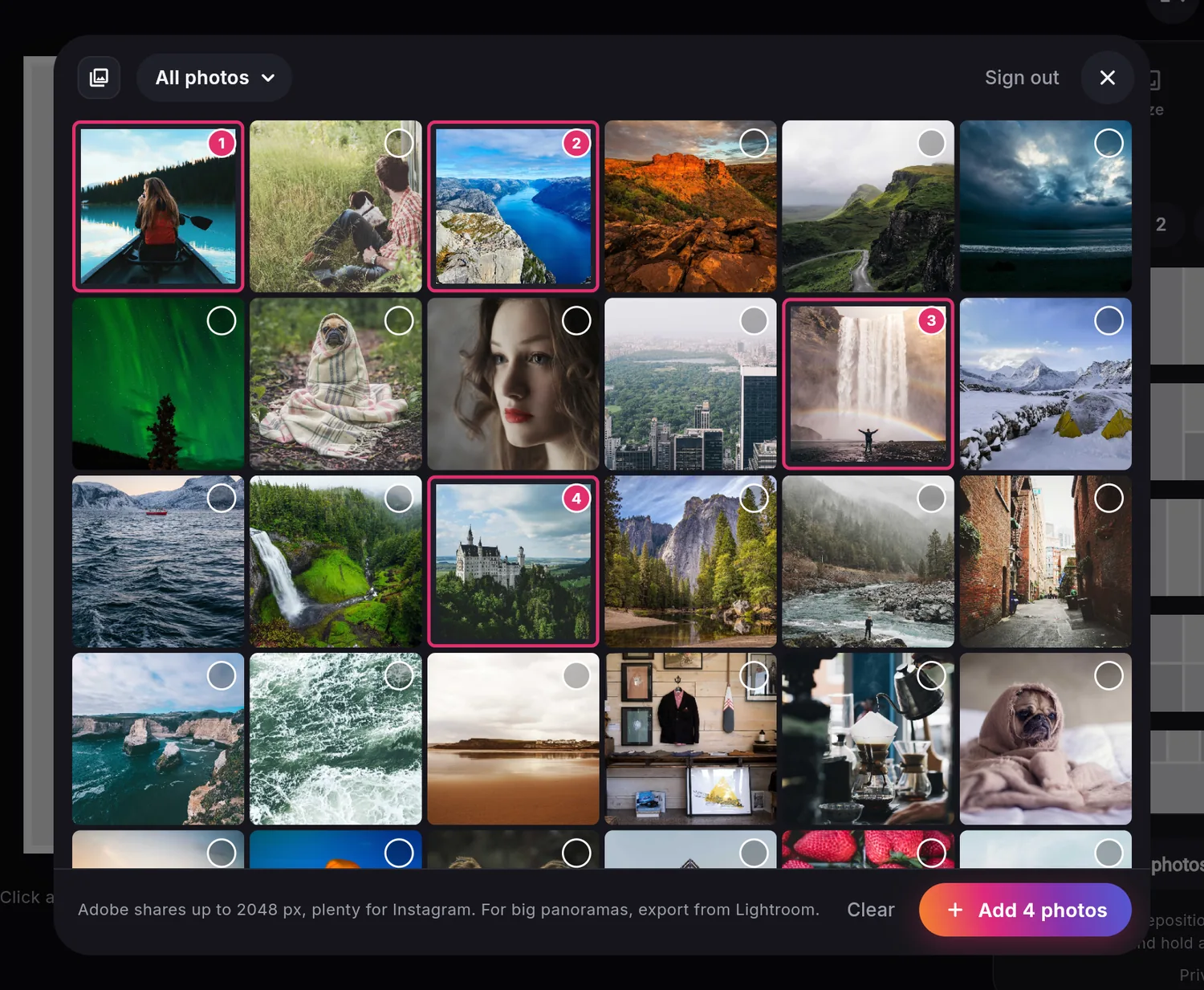
Your Lightroom library. Edits included.
Sign in with your Adobe account, browse your Adobe Lightroom albums and add photos to your collage with your edits applied.
Latticeshot only reads your photos. Nothing in your library changes, and your sign-in stays in your browser.
Works with photos synced to Lightroom (cloud). Adobe and Lightroom are trademarks of Adobe. Latticeshot is not affiliated with Adobe.
For every kind of post. From trips to storefronts.
Trip recaps
One hero shot and the moments around it, in a single post.
Pets and family
Playful layouts with rounded corners and bold colors.
Cafés and small brands
Clean product and menu grids that match your feed.
Street and city
Tight grids that tell a story frame by frame.
Questions. Answered.
Is Latticeshot free?
Yes. Every layout, size and export option is free, with no watermark, no sign-up and no limits.
Are my photos uploaded anywhere?
No. Latticeshot runs entirely in your browser. Photos are opened and exported on your device and never sent to our servers. If you choose to save a project to keep editing later, it goes to a private folder in your own Google Drive. See the privacy policy for details.
How do I split a panorama into a seamless carousel?
Open the Carousel tool and choose “Split one wide photo”. Latticeshot picks the number of slides that fits your photo, then exports each slide at exactly 1080 px wide, so the seams line up when people swipe.
Can I give a whole carousel of photos the same look?
Yes. Add all your photos, then choose “One per slide” (or Carousel → Make a photo series). Every photo gets its own slide, and size, borders, color and your signature change on all slides at once. Turn off “Same look” to style a slide on its own, then export every slide, numbered in order.
Which Instagram sizes are supported?
Portrait post (4:5), grid preview (3:4), square (1:1), story (9:16), Reel (9:16) and landscape (1.91:1), for photo and video collages alike. Story and Reel sizes show safe-zone guides.
Will my collage lose quality?
Not in Latticeshot. Exports are rendered from your original photos, not the preview, as maximum-quality JPEG or lossless PNG. Choose “Instagram” quality (1080 px wide) so Instagram doesn't resize your image again.
Can I use photos from Adobe Lightroom?
Yes. Sign in with your Adobe account, browse your albums and add photos with your Lightroom edits applied. Latticeshot only reads your photos and never changes your library.
Can I make a video collage for Instagram Reels?
Yes. Choose the Reel size (or tap “Make a Reel” above), add videos to any grid, next to photos if you like, and press play to watch them together. Latticeshot exports one MP4 that lasts as long as the shortest video, or tap Trim to keep just the part you want. The sound comes from the video you choose. Videos are combined on your device and never uploaded. Video collages work on a computer, in up-to-date Chrome, Edge or Safari. On phones and tablets, Latticeshot makes photo collages.
Which photo formats can I open?
JPEG, PNG, WebP, GIF, AVIF and BMP in every modern browser, plus HEIC photos from iPhone in Safari. Photo orientation is read automatically.
Does it work on my phone?
Yes. Latticeshot works in Safari and Chrome on iPhone and Android, and on any desktop browser. There's nothing to install.